Its normal CLI
Use the installed Claude Code build, authentication, commands, plugins, and project instructions inside a real terminal on your machine.
AGENT WORKSPACE / 01
Open the real CLIs in independent PTYs, add Grok Build, OpenCode, Antigravity CLI, Copilot CLI, test runners, logs, or a server, and keep every session in view without forcing them through one vendor-specific interface.
PARALLEL / 02
Parallel work becomes legible when each process keeps its own place, history, and evidence instead of disappearing into interchangeable terminal windows.
Use the installed Claude Code build, authentication, commands, plugins, and project instructions inside a real terminal on your machine.
Run Codex beside Claude Code in another session, on another repo, or as a deliberate reviewer of the same work.
If it runs in a terminal, it can run in MidTerm: OpenCode, Grok Build, Copilot CLI, Antigravity, Gemini CLI, shells, debuggers, and TUIs.
Split agent sessions with builds, tests, logs, a database console, or the app itself. Reorder them when the task changes.
 MidTerm · agent sessions ×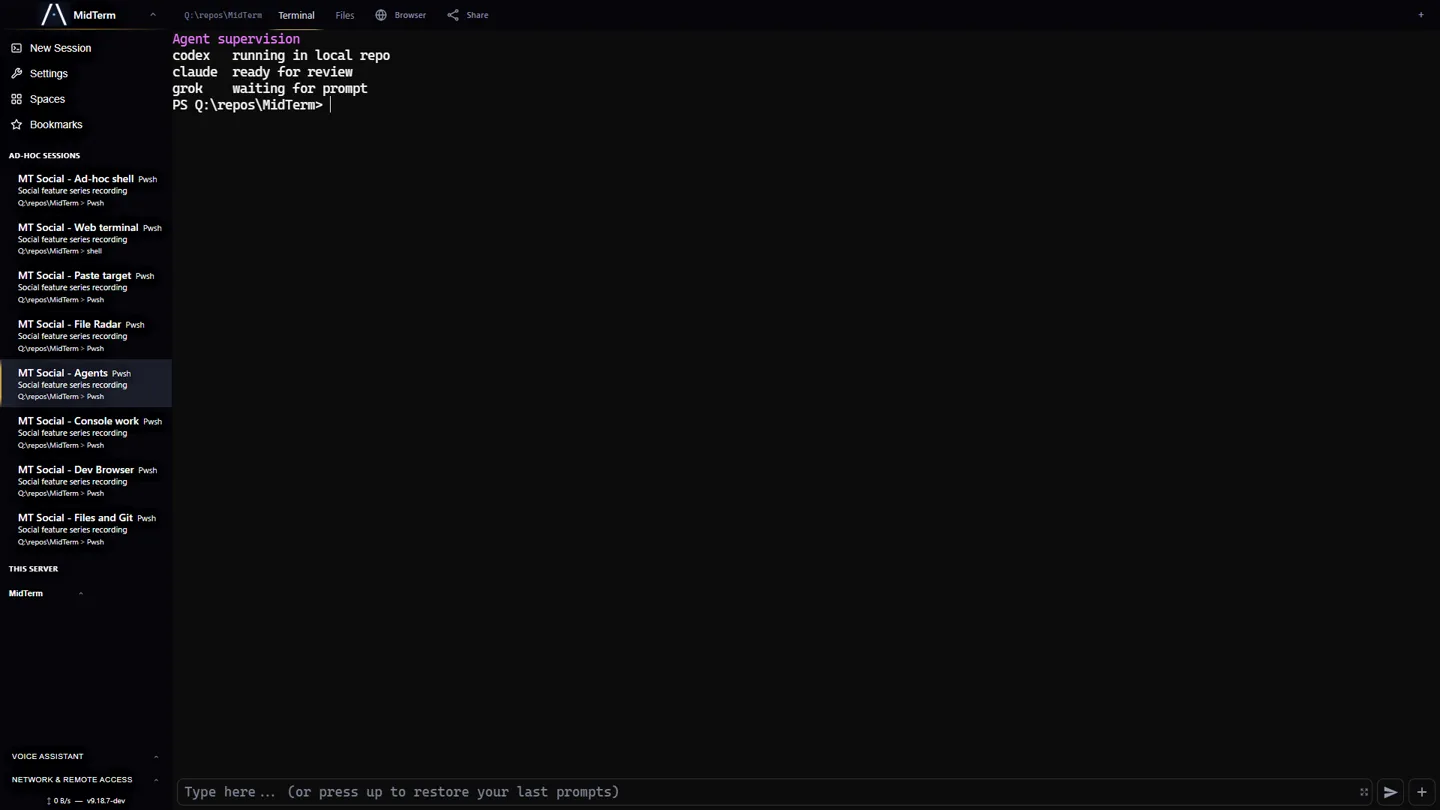
CLI ERGONOMICS / 03
MidTerm leaves terminal semantics intact and adds the browser-native surfaces that long prompts, images, and mobile work need.
Ctrl/Cmd + V uploads an image to the session host and inserts a usable path. Camera and file attachments use the same route.
Submitted text, multiline prompts, pastes, images, and files form an exact timestamped timeline. Replay one item without mixing projects.
Command Bay provides multiline composition, persistent drafts, attachments, scheduled follow-ups, and reusable actions around the real PTY.
Use the terminal directly or compose outside it. Sessions survive dropped connections, closed tabs, device changes, and the on-screen keyboard.
DELIBERATE BOUNDARY / 04
It does not add a hidden model between you and the CLI. It makes exact work state available to both of you.
| Does | Host real PTYs, persist sessions, transport exact input, expose files and Git, and publish typed control state. |
|---|---|
| Does not | Move your repo into a cloud sandbox, reinterpret terminal output, guess whether an agent is busy, or replace the agent’s own authentication. |
| Result | You can switch models and CLIs without rebuilding the workspace around them. |
START / 05
Install MidTerm on the machine holding the work, open https://localhost:2000, and create a session for each agent or supporting process. For private remote access, connect your devices with Tailscale or another WireGuard mesh.